01
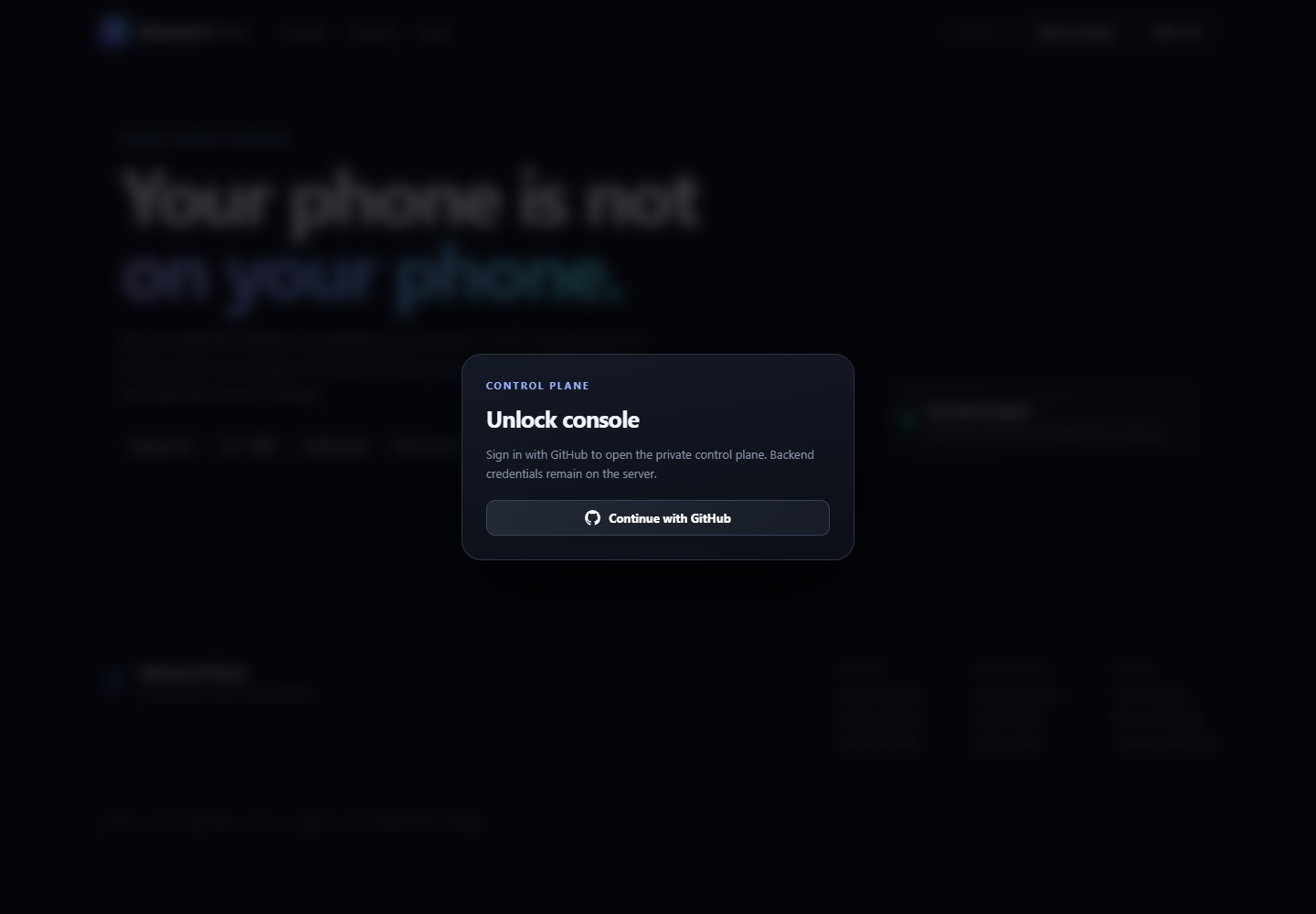
Sign in with GitHub
Use an approved GitHub account to enter the founding deployment. You never need to copy a backend token into the page.
 Ephemeral Phone
Recorded reference session
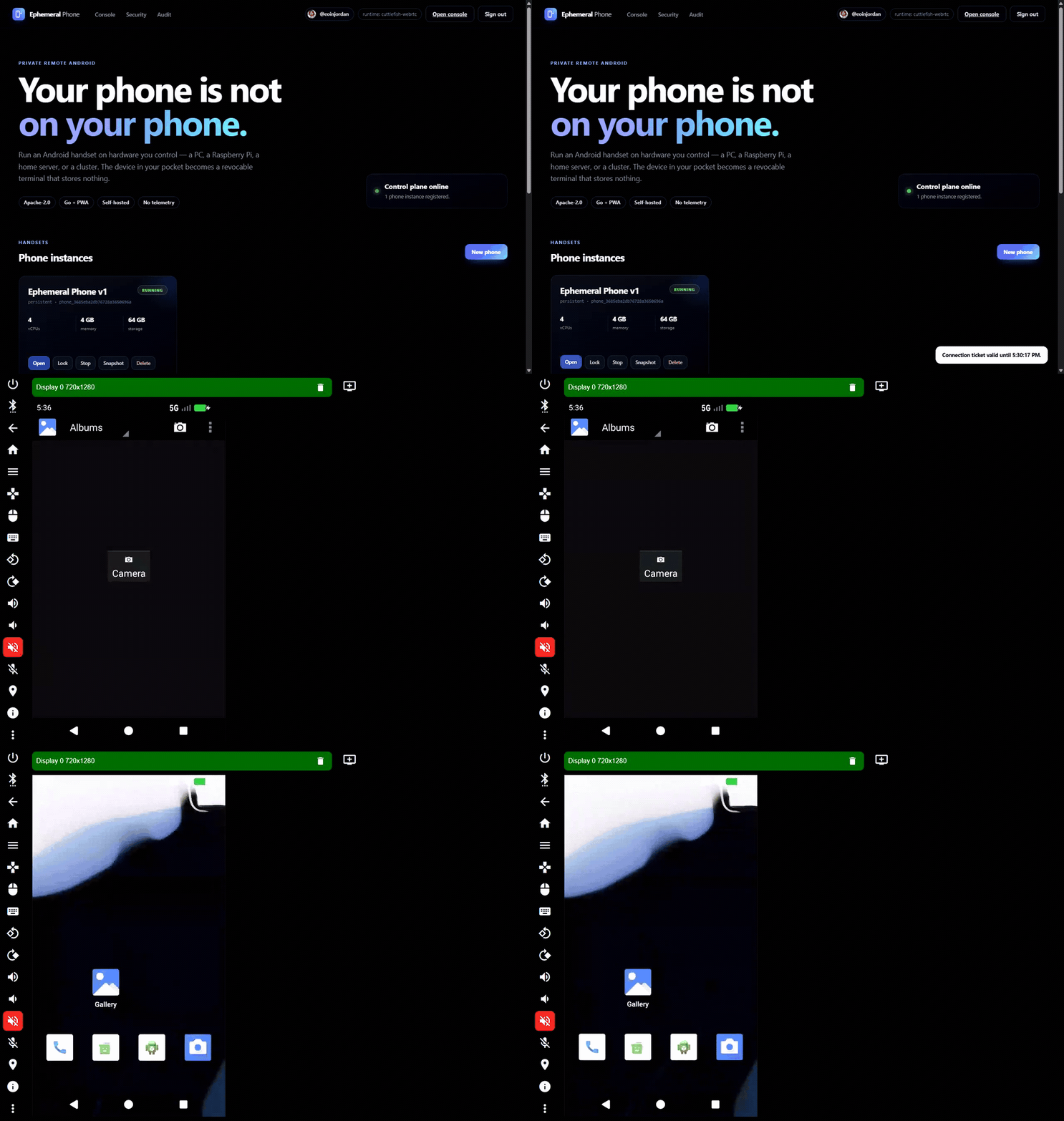
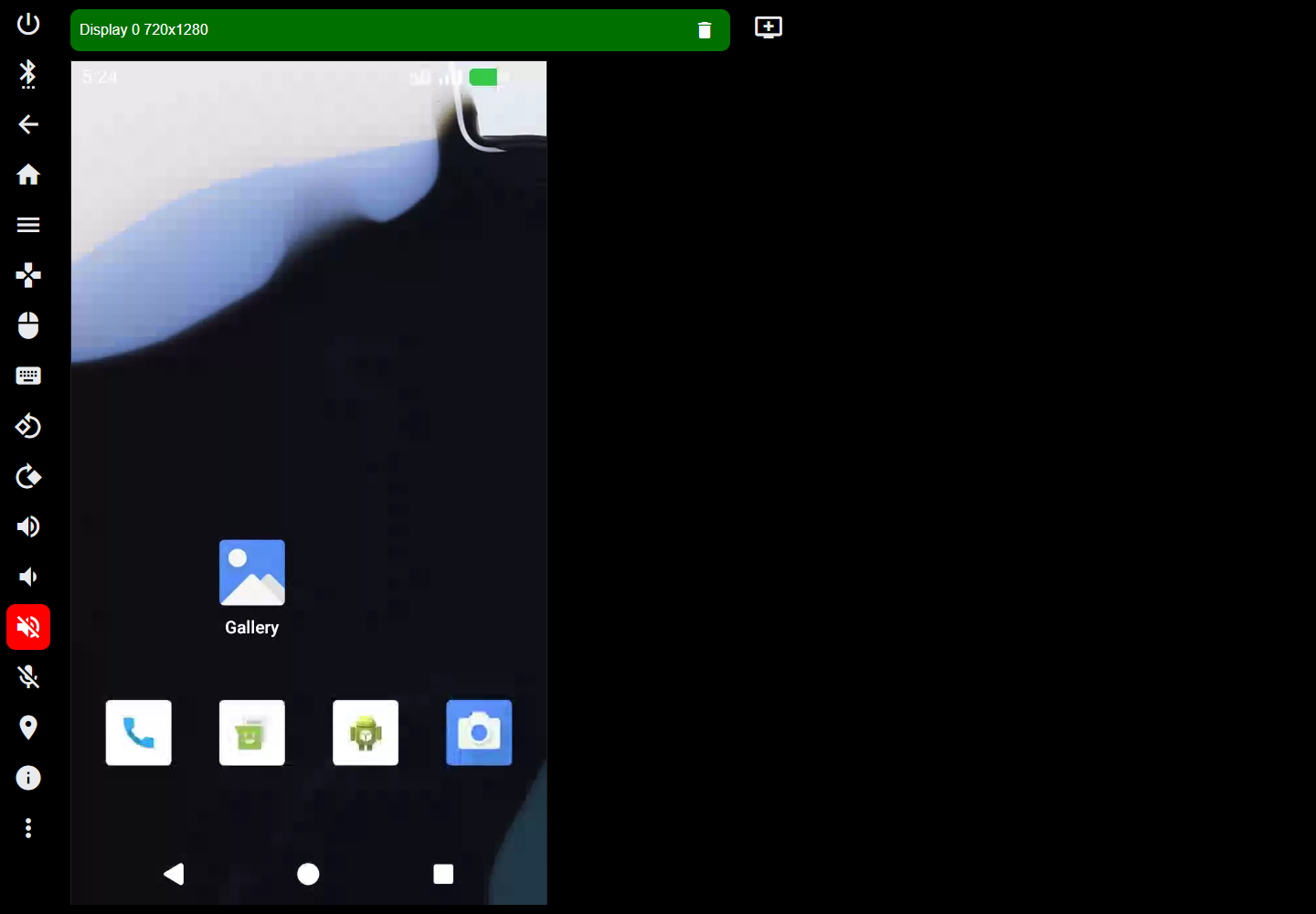
See an authenticated user select a handset and open a short-lived WebRTC connection without moving Android applications and data onto the browser device.
What you will do
Use an approved GitHub account to enter the founding deployment. You never need to copy a backend token into the page.
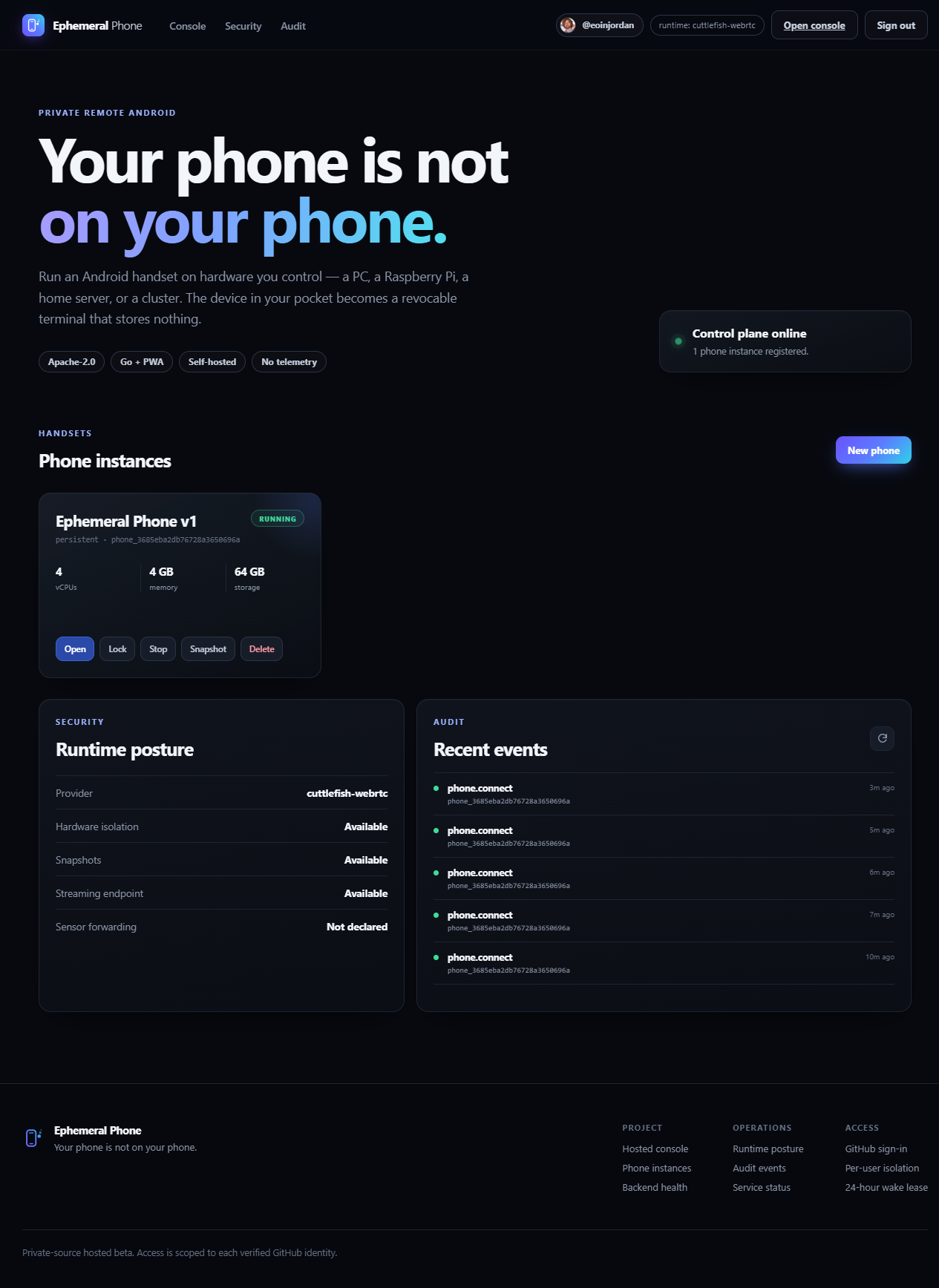
The console shows your remote phone, whether it is running, and the actions available to you.
Select Open and the console creates a short-lived connection ticket for the Android stream.
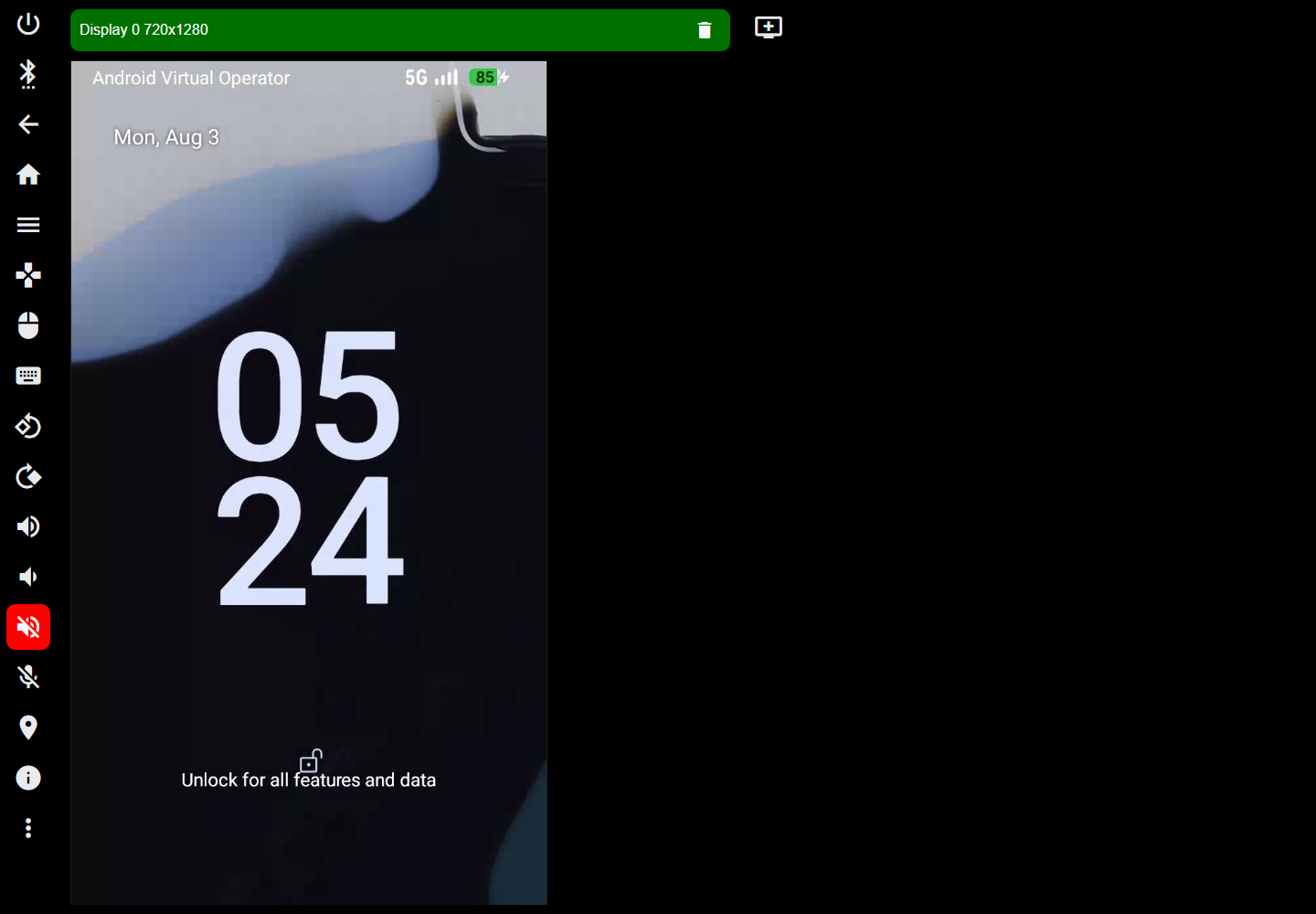
Touch, pointer, and keyboard input control the remote handset. Android application data remains on the runtime host rather than this browser client.
Founding access